Modix support
Support for the life of your printer.
Technical support when the printer needs it. Professional services when your project does.
Every Modix owner has a direct line to the support team. When email is not enough, a video session is a request away.
A Modix engineer replies during your regional support hours. Have ready: model, serial number, firmware version, a photo or video.
Technical support
Something wrong with the printer: troubleshooting, calibration, firmware and print quality, answered by Modix engineers.
support@modix3d.comProfessional services
Material, model design and adoption help from a time bank of application-engineer hours.
How the time bank works →Customer Zone
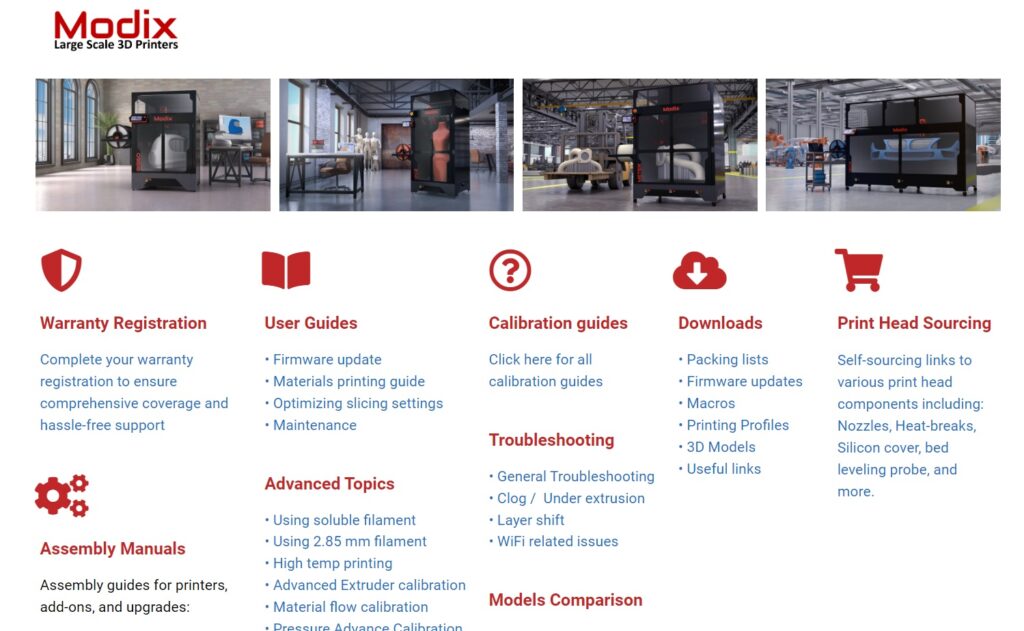
Manuals, print profiles, firmware and guides for your printer, behind your customer login.
Login details arrive with your printerCustomer service
Orders, payments and logistics: existing orders, invoices, shipping and spare-part deliveries.
customer-service@modix3d.com
Modix professional services
For your project, not just your printer.
Technical support fixes the machine. Professional services move your project forward: a time bank of application-engineer hours, selected with your printer order and spent on your parts, your materials and your workflow.
- Choose a time bank when you order the printer.
- Book sessions with a Modix application engineer.
- Hours are drawn as you use them, on the topics you choose.
Filament or pellet, chosen for strength, finish and cost, before the first print.
Orientation, walls and supports so big parts print reliably.
Onboarding, training and workflow setup for your team.
Parts, throughput and workflows planned around a large machine.
Live support
Engineers in your working hours.
Modix support teams in Europe and North America answer email on weekdays, with remote diagnostics and hands-on troubleshooting. Video support sessions are available on request.
Write to support@modix3d.com. Requests sent outside these hours are picked up on the next working day.
Customer Zone
Everything your printer needs, in one login.
Your username and password arrive with the printer. Inside, the documentation is organised by what you are trying to do. The zone is for Modix owners only.
Bought a used Modix, or lost your login? Email support@modix3d.com with the printer’s serial number.
Assembly manuals
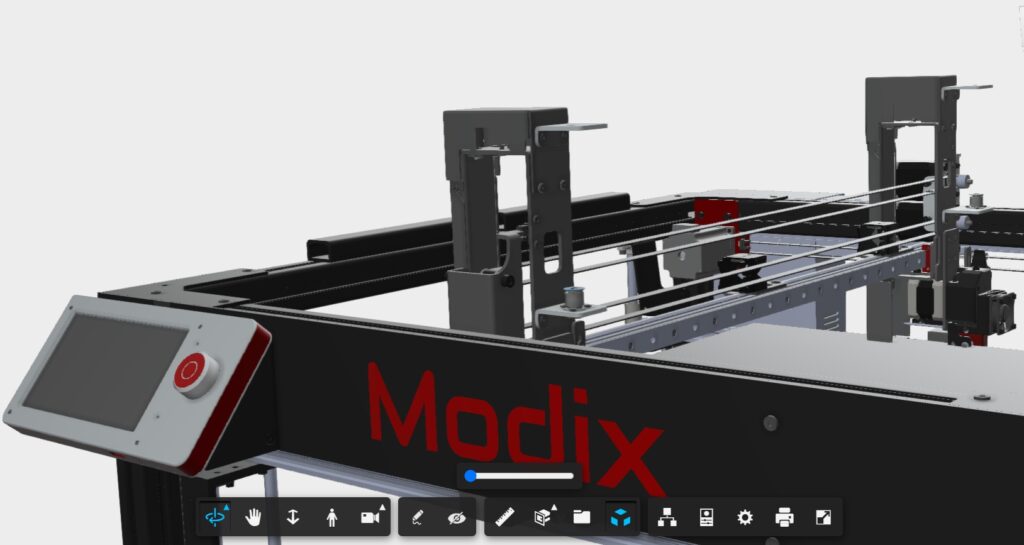
Every sub-assembly as a 3D model you can explore.
The current assembly manuals embed interactive 3D models. Rotate a sub-assembly, explode it to see how the parts stack, and follow the build with the model next to the steps.
- Rotate, zoom and explode each sub-assembly
- Part names and orientation shown on the model
- Works in the browser, no software to install
Faster answers
Send a ticket an engineer can act on.
Cases move fastest when the first email carries these three things.
The model and serial number from the label on the frame, and the firmware version shown on the screen.
What you were printing, the material, the slicer and profile, and whether the settings were changed from the Modix profile.
A photo of the part or the failure and, for anything that moves or sounds wrong, a short video. Attach the G-code if you have it.
Not sure which path you need?
Tell us what you see. We route it.
Printer problem, project help or an order question: one email to support and the right Modix person picks it up.
Not a Modix owner yet? Contact sales →